Production toolkit / Illustrator

Stop doing
it by hand. Production tools for Adobe Illustrator.

Number every artboard in the file in one step, in sequence, with no skips. Then do the same for the QR codes, the imposition, the links, and the layers.

$42 / month or $399 / year 14-day free trial Windows today

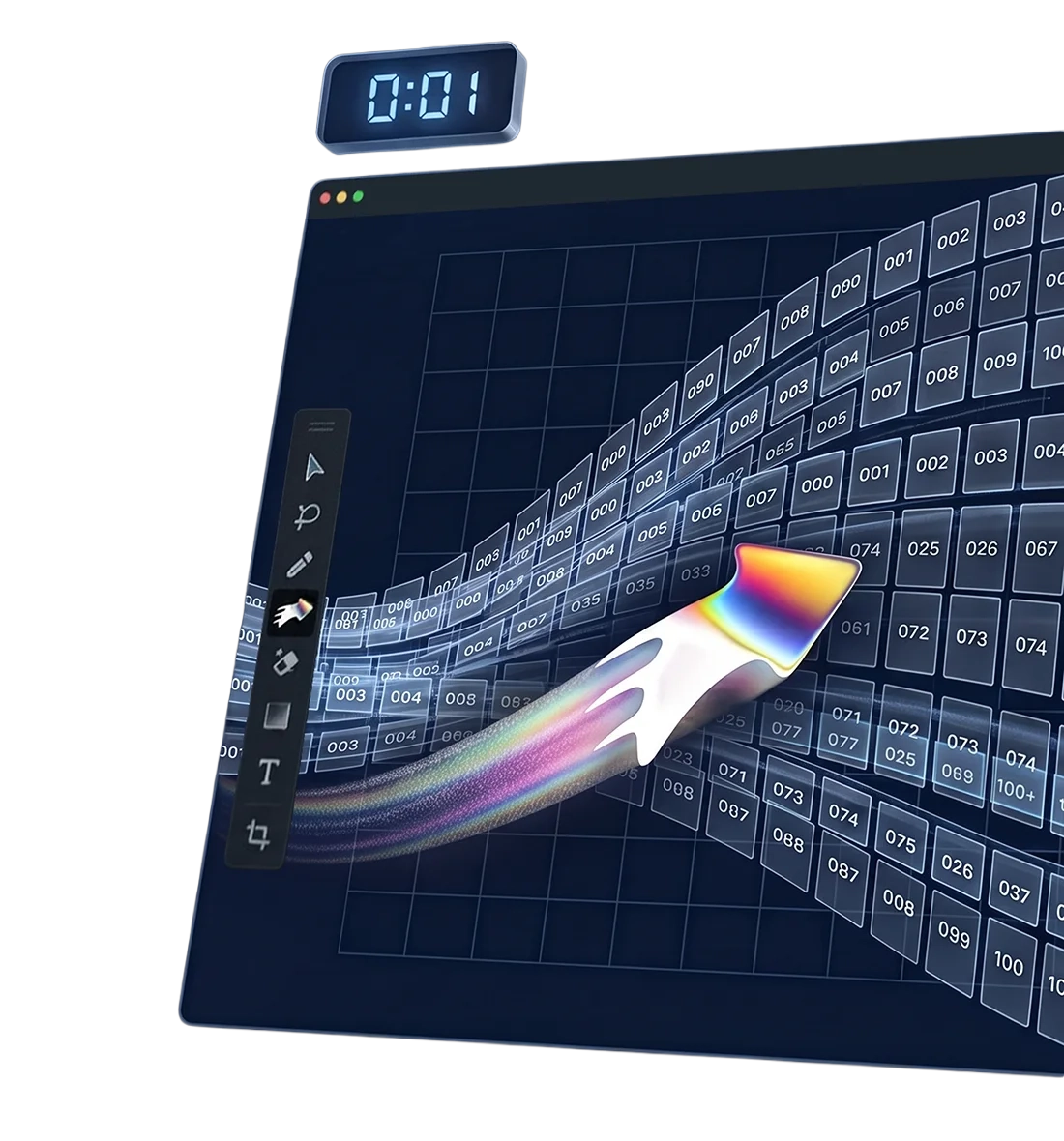
A document of artboards fanning away into the distance, each carrying its own number, with the Designer Shortcuts mark sweeping across them.

The suite / everything included

One subscription.
Every production shortcut.

No tiers, no per-tool pricing, nothing to upgrade to. When a tool ships, your subscription already covers it.

One subscription

Every tool

and counting

Where the hours go

The work Illustrator never had a tool for.

Illustrator was built as a drawing program. You use it as a production system, so the exact, repetitive parts fall to you and your mouse.

01 / 03

Numbering

Numbering three hundred artboards by hand takes an afternoon. The digit you fat-finger on board 214 is found when the sheets come off the press.

Page Numbering writes a number onto every artboard in the document at once, in the style, position, and starting value you set.

One step for the whole file — whether it holds 12 artboards or 312.

02 / 03

Links

Renaming two hundred linked files means renaming them in Explorer and relinking every one. The link you miss goes to plate as a stale version.

Links Name Management lists every file once, with a count of how many placements use it. Stage the rename. Commit once.

A logo placed twelve times is one entry in the list, not twelve.

03 / 03

Artboards

A job lands in nine formats. Pasting artwork at the same absolute coordinates leaves the logo hanging off the tall one — nine times.

Copy to Artboards places by zone instead of coordinate. Left stays left, right stays right, and the middle holds its relative centre.

Send it to every other artboard, or tick only the destinations you want.

What you install

It runs where you already work.

Inside Illustrator

Every tool is a panel in the document you have open. No export, no round-trip, no second application, no new workflow for the studio to learn.

Installs and repairs itself

One installer sets up CEP, the Hub panel, and every tool. Each launch checks the installation and repairs anything that has broken.

A signed extension

The Hub ships as a signed CEP extension — not a folder you sideload with debug mode switched on, and not a script that stops after the next update.

The Hub

One panel inside Illustrator lists every tool you have installed and opens them. It is where the suite lives once it is on the machine.

Platform note

Windows only today.

Designer Shortcuts runs on Windows. The plugins are platform-neutral, but the desktop app and installer are the Windows part — and that work is not done yet.

Get the macOS note

Designer Shortcuts is built and supported by Andrew Monire. Support goes to [email protected] and a person reads it — not a queue, and not a script nobody maintains.

What it costs against what it replaces

Priced against
the hour.

Enterprise prepress does this work properly. It also costs thousands per seat, brings its own workflow, and needs IT to deploy and maintain it. If you run a plant with a colour management department, that is proportionate and you should buy it.

If you are four people and a RIP in the corner, it is not. Designer Shortcuts costs $399 a year, installs in a minute, and works in the file already open on screen.

One hour of prepress time saved in a month pays for the whole year. Everything past that first hour is margin.

Pricing / one seat, one machine

$42 a month,
or $399 a year.

Both cover every tool in the suite and both start with the same 14-day free trial. Windows 10 and 11 — macOS is not available yet.

Flexible

$42/ month

Billed every month. Change your card, switch plan, or cancel from your account page.

Start with monthly
$105 less

Best value

$399/ year

Billed once a year. That works out at $33.25 a month — and covers every tool, including the next one.

Start the 14-day trial

14 days free to try it, then a 14-day money-back guarantee on your first payment. No reason required — how refunds work.

One active machine at a time

Connecting a second machine signs the first one out, so you can move between the studio and the home desk without buying a second seat.

The 14-day trial

Every tool is included. It becomes a paid subscription at the end of the trial unless you cancel before then.

When it ends

Your tools stop working when the subscription ends. Your files do not change — they are ordinary Illustrator documents and stay that way.

Managing it

Your account page shows status, plan, renewal date, and the billing controls to change or cancel.

Before you buy

Windows is going to warn me about this installer.
It is. The installer is not signed yet, so Windows SmartScreen shows an “unrecognised app” notice the first time you run it — choose More info, then Run anyway. A signing certificate is on the list; until it is in place we would rather you heard this from us than from the dialog.
Which Illustrator versions does it work with?
Illustrator 2020 (24.0) and later, on Windows 10 and 11. Anything older will not load the panel.
Does it need to be online?
To sign in, yes, once. After that the tools work offline. The app re-checks your subscription in the background about once a day and carries a licence that stays valid for seven days, so a week on a machine with no connection changes nothing.
I work on two machines.
One machine is active at a time. Signing in on the second signs the first out — nothing is uninstalled, and you can move back as often as you like. Working in two places does not need a second seat.
We need several seats.
There is no multi-seat plan today. It is one subscription per person for now. If you are buying for a team, write to us and say how many — that answer shapes what gets built.
What happens to my files if I cancel?
Nothing. Your documents are ordinary Illustrator files — the numbers, codes, guides and artboards are real objects and they stay in the file. The tools stop working; the work does not.

For Mac teams

Notify me when macOS ships.

Leave your address and you get one email, on the day there is a macOS build to install. Nothing else, and nothing before then.

This opens your own mail app with the message written. Nothing is recorded here until you send it.

Honest limits

What it does not do.

  • Windows only, today

    There is no macOS build. It is planned and it is not dated, and we will not pretend otherwise on the way to a checkout page.

  • Not a drawing tool

    No brushes, no path editing, no sketching, nothing that helps you draw. It does the mechanical production work around the drawing.

  • Illustrator 2020 and later

    Version 24.0 upward. Older installs will not load the panel, and no amount of reinstalling changes that.

  • One active machine

    A subscription runs on one machine at a time. You can move it as often as you like; you cannot run two at once.